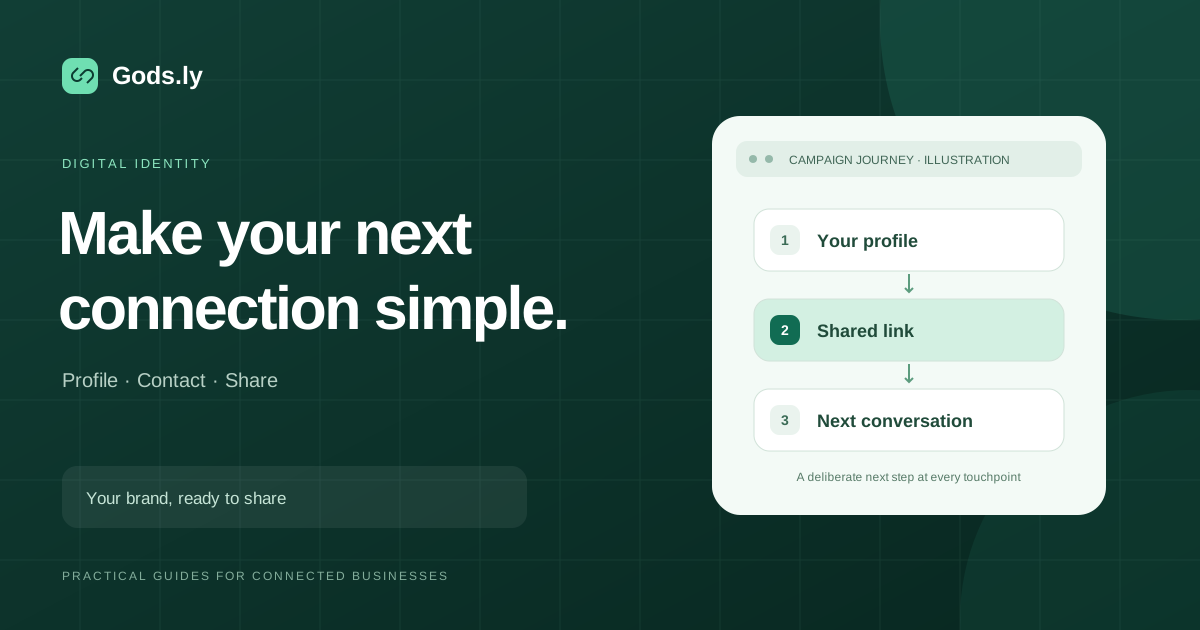
Build a mobile Bio Page that gives social audiences clear destinations, current offers, and a consistent profile address.
Match the page to the profile promise
A profile visitor should quickly recognize the creator or business and find the promised resource. Use a concise headline and prioritize the action mentioned in current posts.
A page can hold product links, videos, contact options, and evergreen resources, but not every item needs equal prominence.
Preview and publish deliberately
Check every destination, label, and image in the Bio Page builder. Draft changes remain separate from the published page until you publish a revision.
Use the search title, description, preview image, and visibility setting to describe the real page. Private draft previews remain excluded from search results.
Respect visitors and keep the page current
Optional media and third-party analytics follow visitor consent and privacy settings. Public content should remain understandable before someone enables those features.
Review the order of links as campaigns change. Page views and interactions show navigation; completed sales or signups need confirmation at the destination.
Give the current goal the first position
A creator promoting a new resource and a local business taking appointments need different opening links. Put the action promised in the current post near the top, followed by useful ongoing destinations. A product catalogue, booking page or contact destination can remain available without competing for the same emphasis.
Use the published Bio Page address in the profile fields supported by each social account. Availability and account requirements can differ across Instagram, TikTok and YouTube. Keep the profile address consistent when you reorder the page, and make the destination match what a visitor expects from the post.
Choose labels that make sense on a small screen
A label such as View the spring collection or Book a consultation explains the next step more clearly than Click here. Keep labels brief enough to scan, while preserving the detail someone needs to decide. Use images that remain recognizable when cropped on a phone rather than placing essential information only inside an image.
Review the page on a narrow screen with longer link names. Text should remain readable, buttons should have space around them, and the most useful action should not disappear beneath decorative content. A concise introduction and a small number of well-ordered destinations can be easier to navigate than a long list of equally prominent links.
Keep campaign attribution in proportion
If several social channels lead to the same Bio Page, separate managed short links can identify activity on each entry link. Give those links clear internal names and compare equivalent date ranges. Optional UTM parameters can describe campaigns to a destination that supports them; do not place email addresses or other personal information in public parameters.
A short-link click, a Bio Page interaction and a completed order describe different events. Do not add them together as unique customers or assume that every visitor completed the intended action. Confirm registrations, bookings or purchases in the system that records the final outcome.
Review the published page as a visitor
After publishing a revision, open the public address and follow the important links. Confirm that offers, opening dates, contact options and destination pages are current. Review the page title, description, share image and search visibility against the content people can actually see.
Repeat this review when a campaign changes, while keeping draft work separate until it is ready. Check the current pricing page for Bio Page capacity and the conditions of free soft-launch access. Keep the main action clear so visitors can move from a social post to the right product, appointment or registration without searching through unrelated links.
Bio Pages · Current access and limits